
 ♥
♥



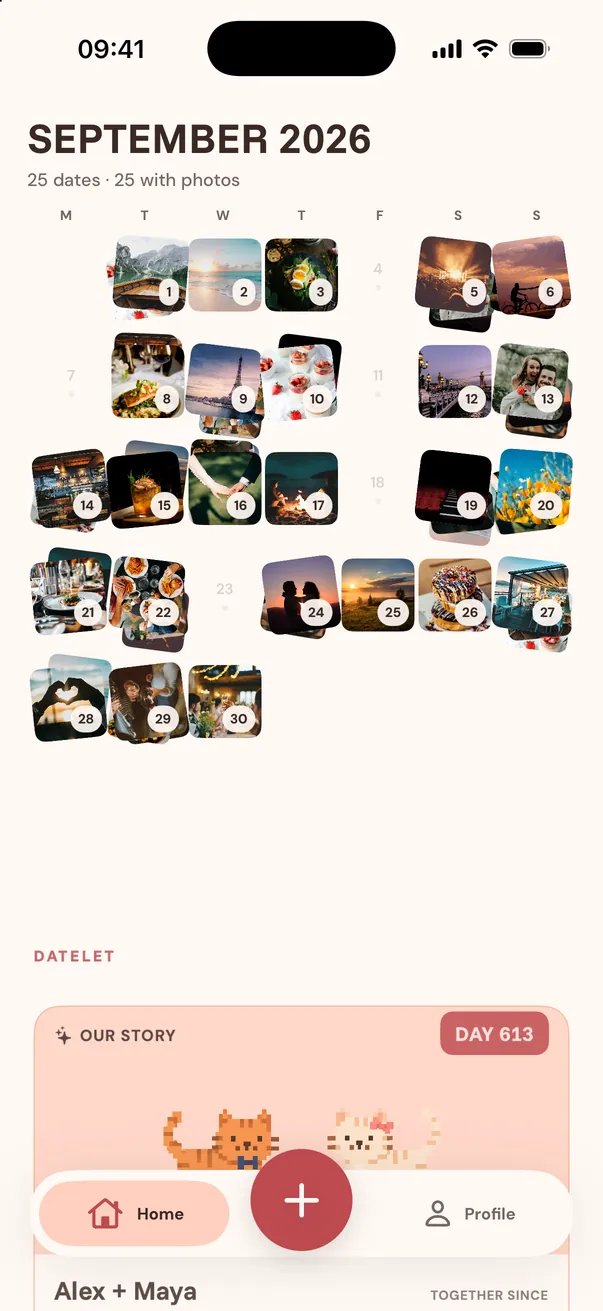
















Shared plans
Connect with your partner and keep the dates you are planning together in Home.
Plan the date in a minute, turn it into an invitation worth opening, and send one private link. They answer right in their browser — no app, no account.
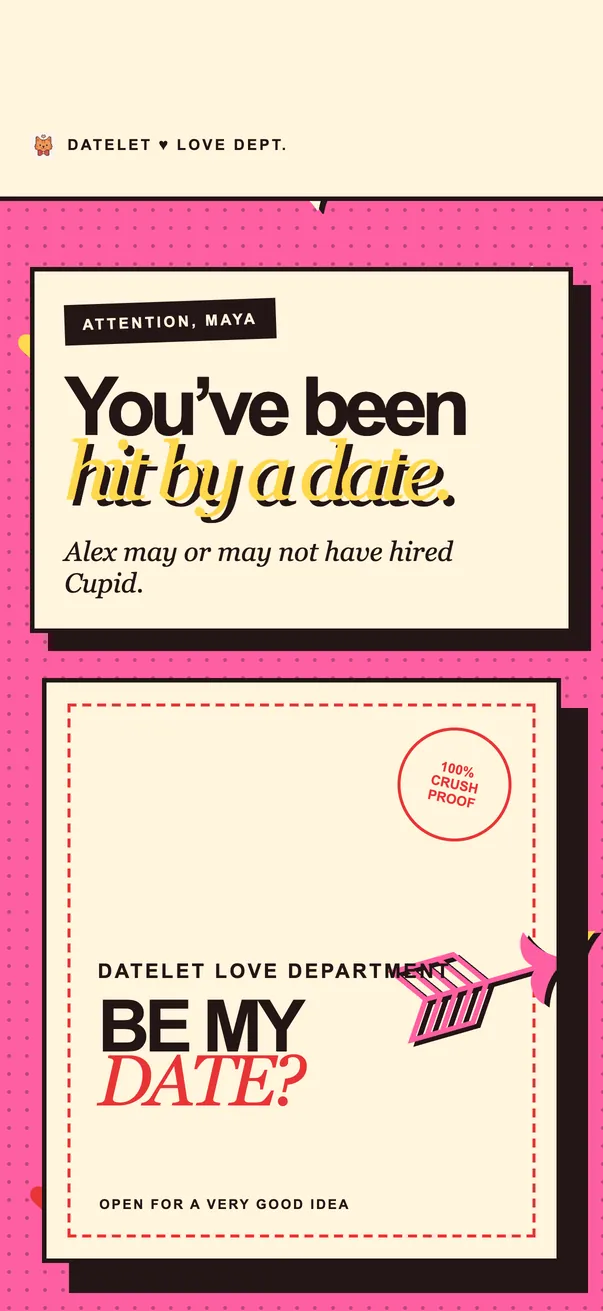
Okay, but
hear me out…
There is a suspiciously cute plan with your name on it.
So… what do we tell Cupid?
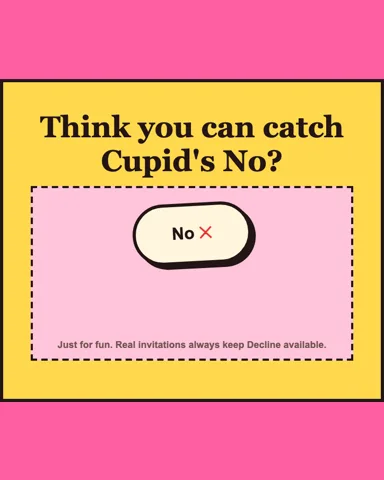
Go on, try to say no.Cupid
knew it.
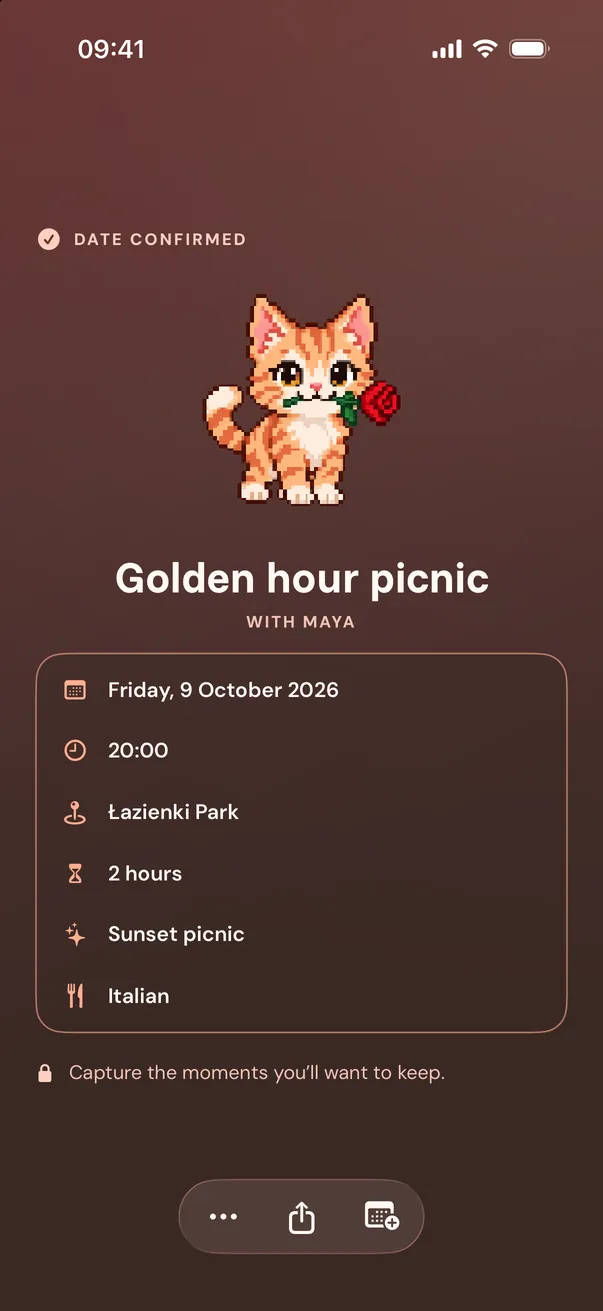
Your date is officially locked in. Nice aim.
How it works
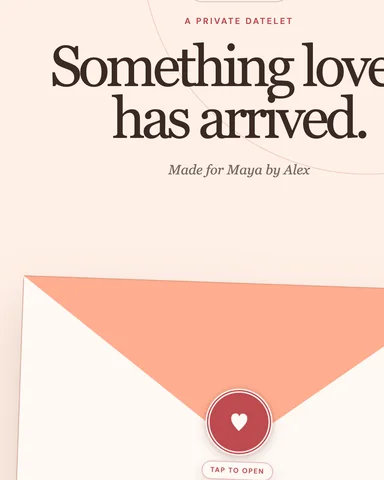
No download, no sign-up, no thread to scroll back through. Just an invitation with their name on it.
The place, the time, the plan — set inside a theme that sounds like the two of you.
They can accept, decline, or suggest one new date and time. You get notified the moment they do.
Confirmed dates live on your shared Home, ready to add to your calendar.
Themes
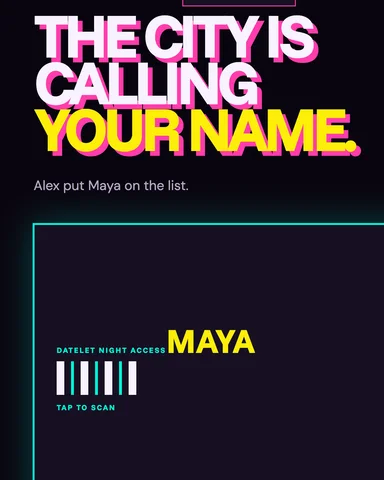
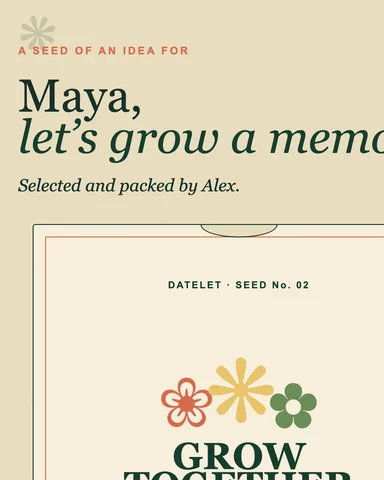
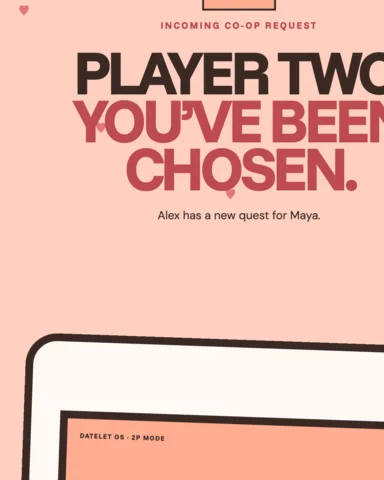
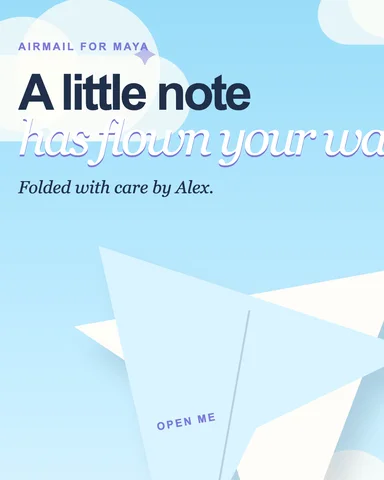
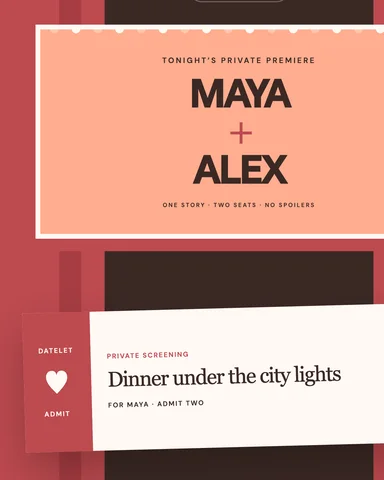
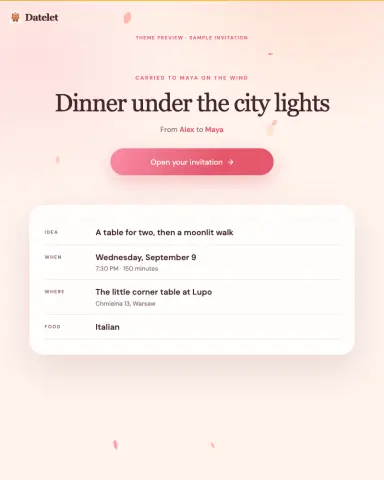
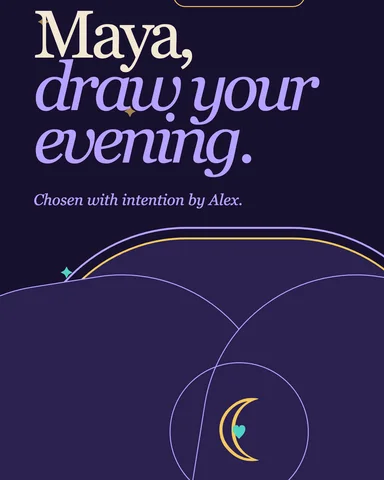
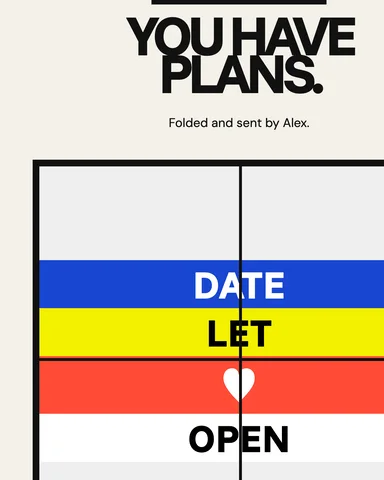
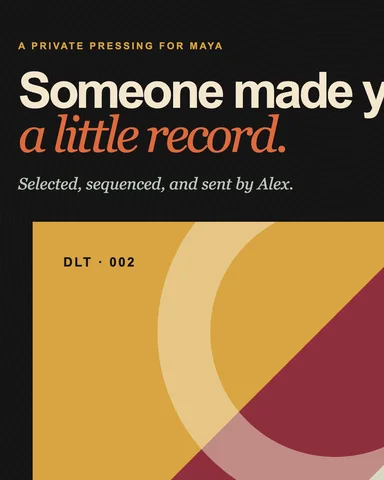
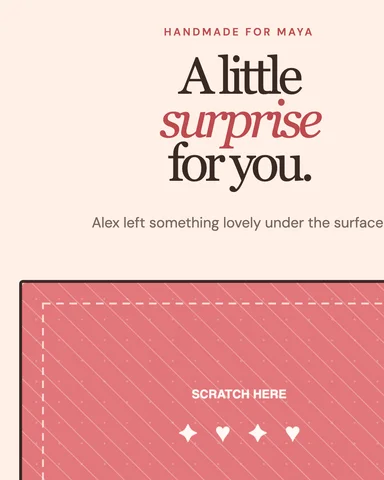
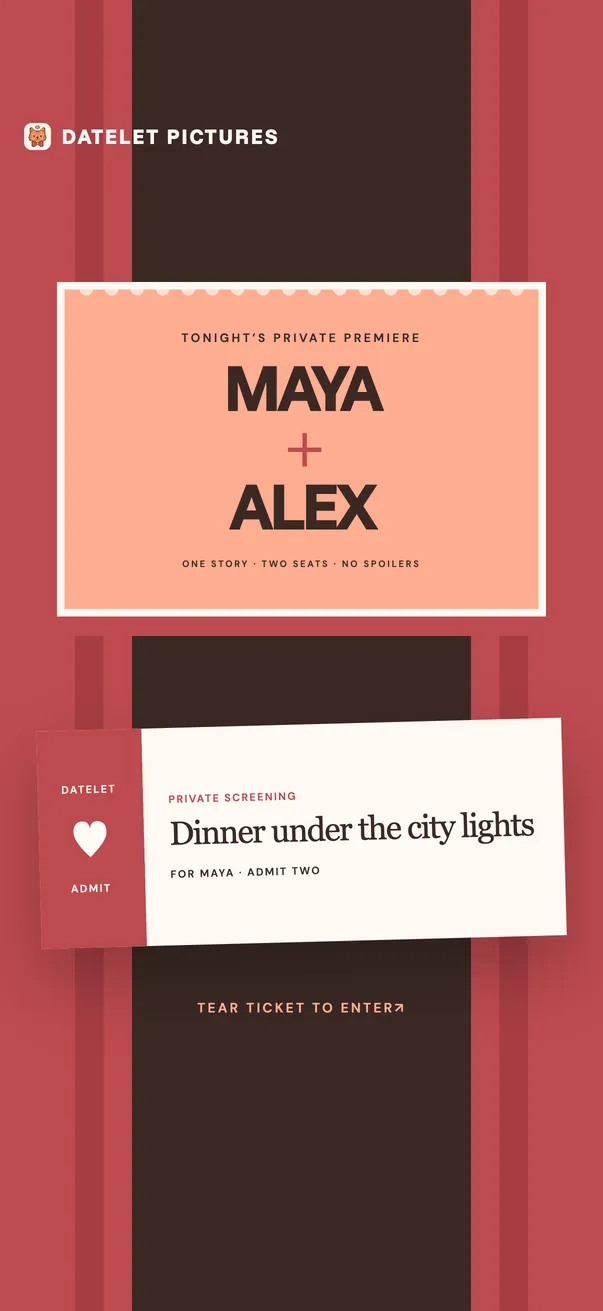
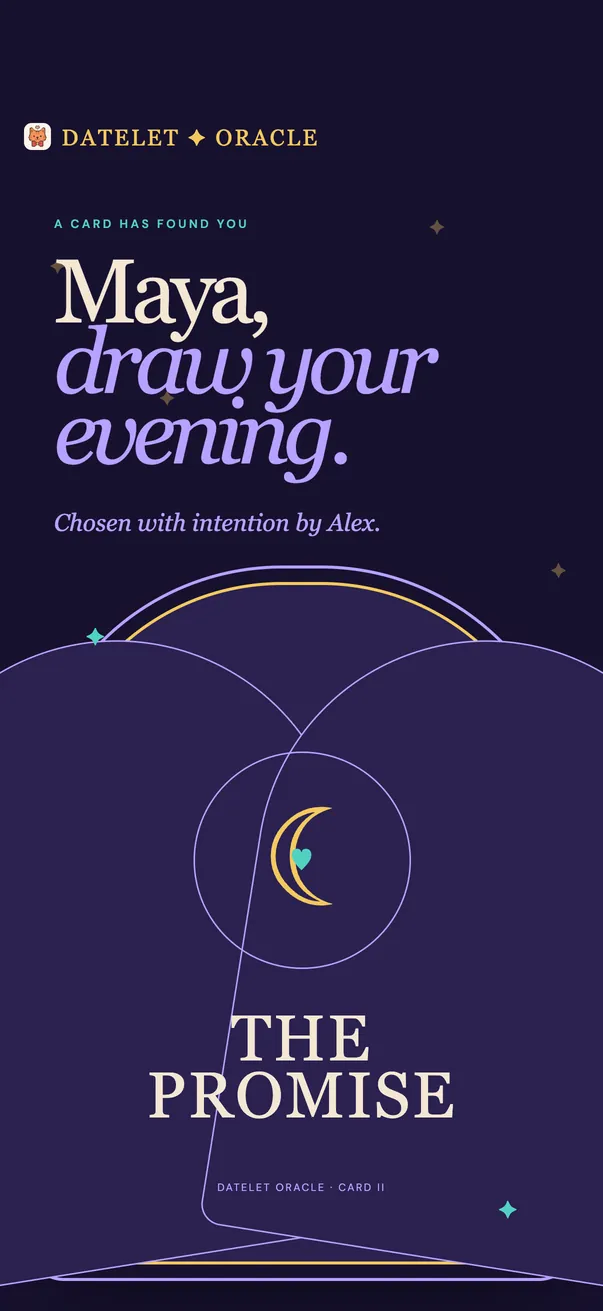
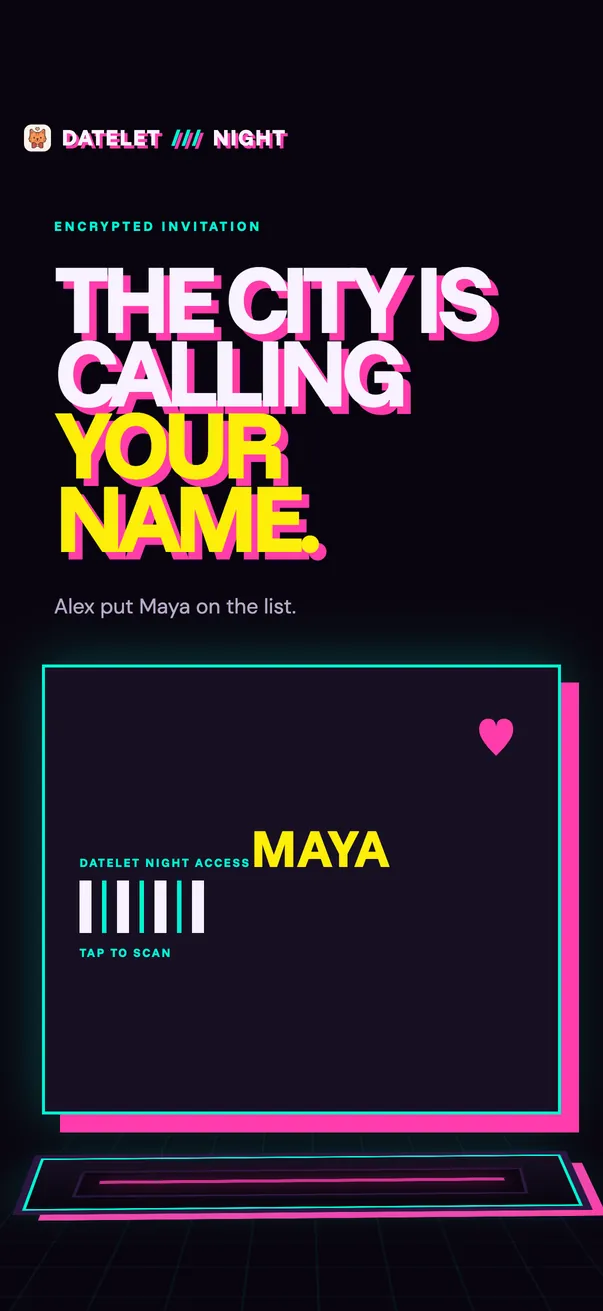
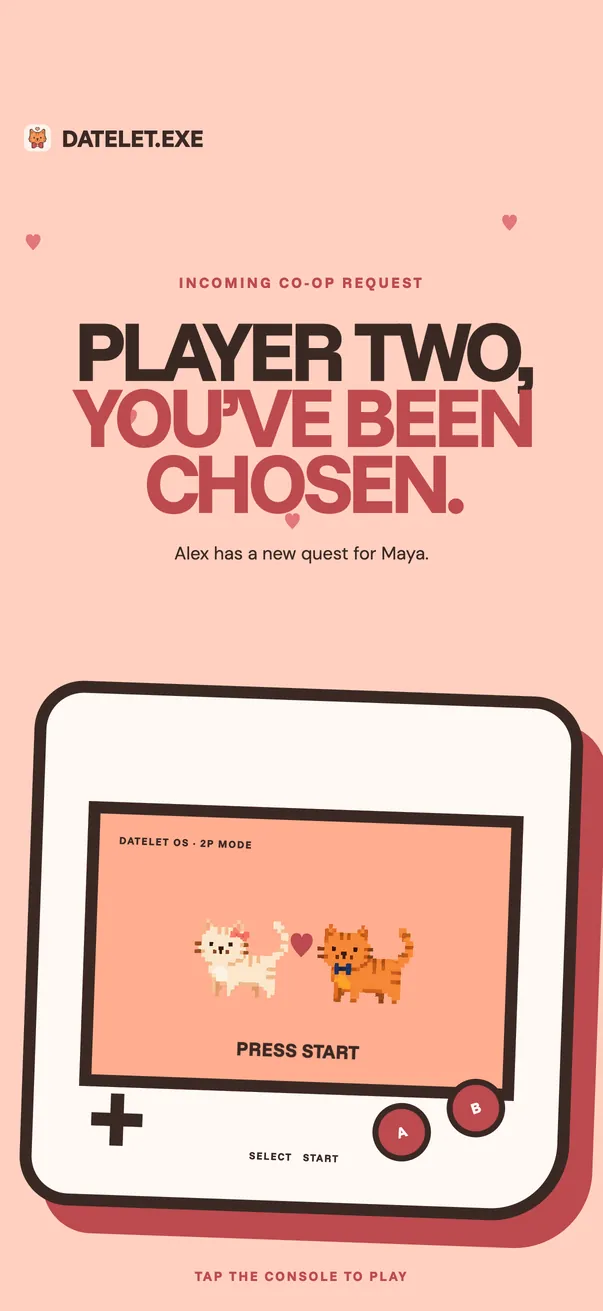
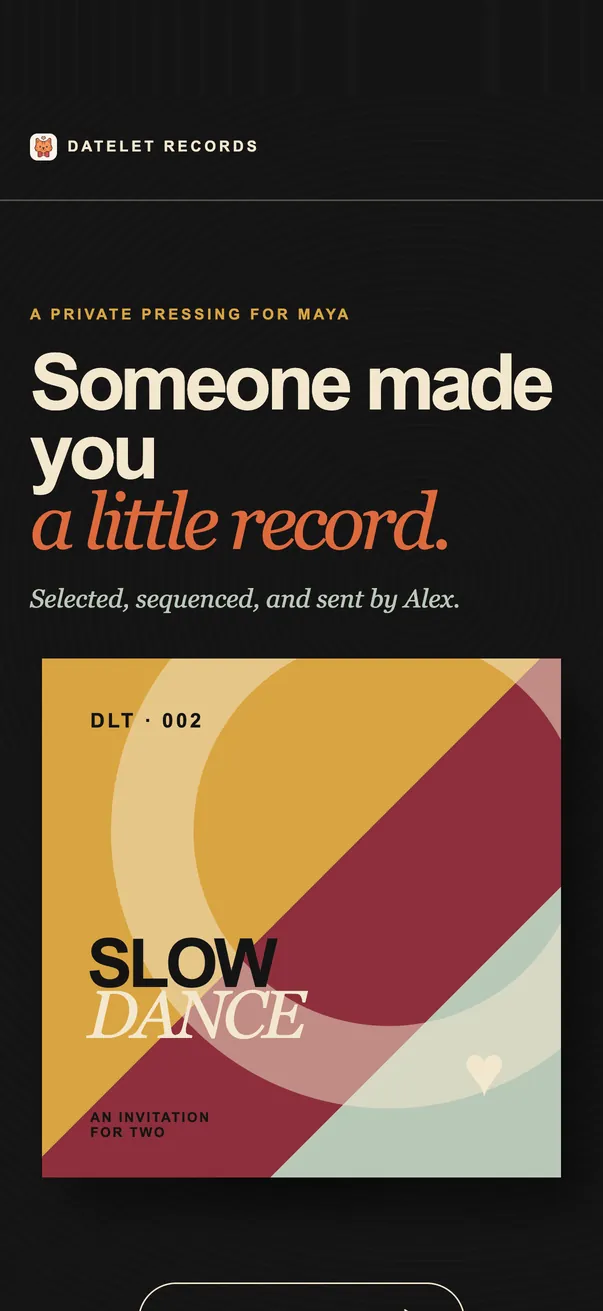
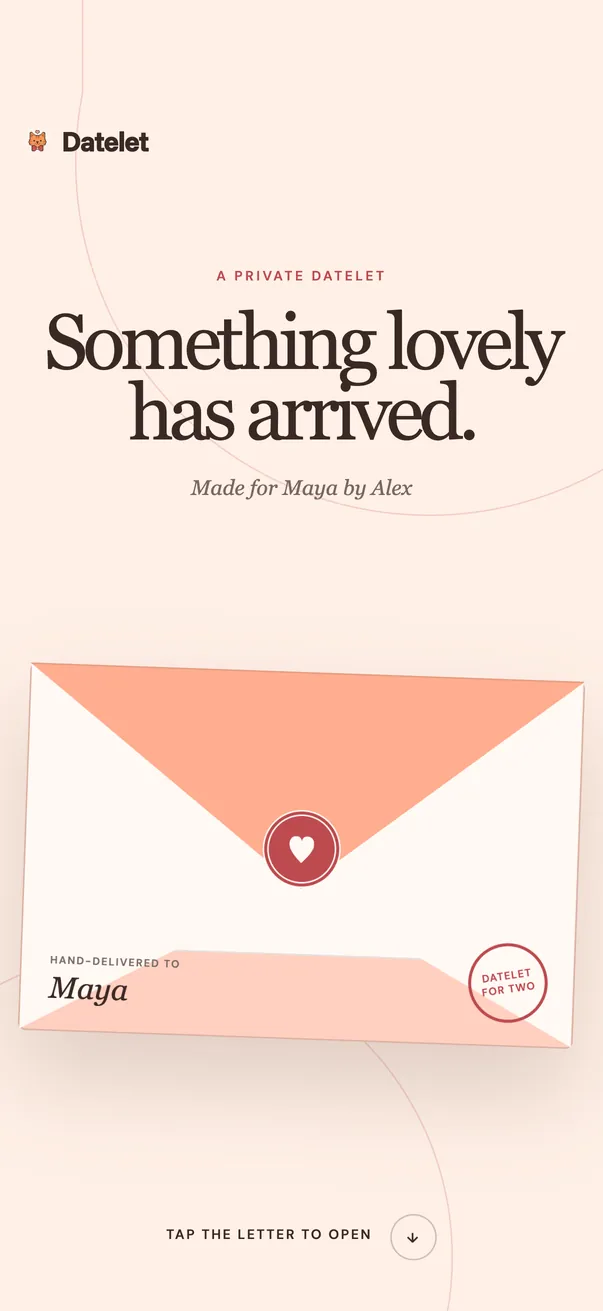
A cinema ticket, a tarot card, a game console, a vinyl record. Pick the one that sounds like you — then try it right here, exactly as they’ll see it.
A private premiere for two.
After the date
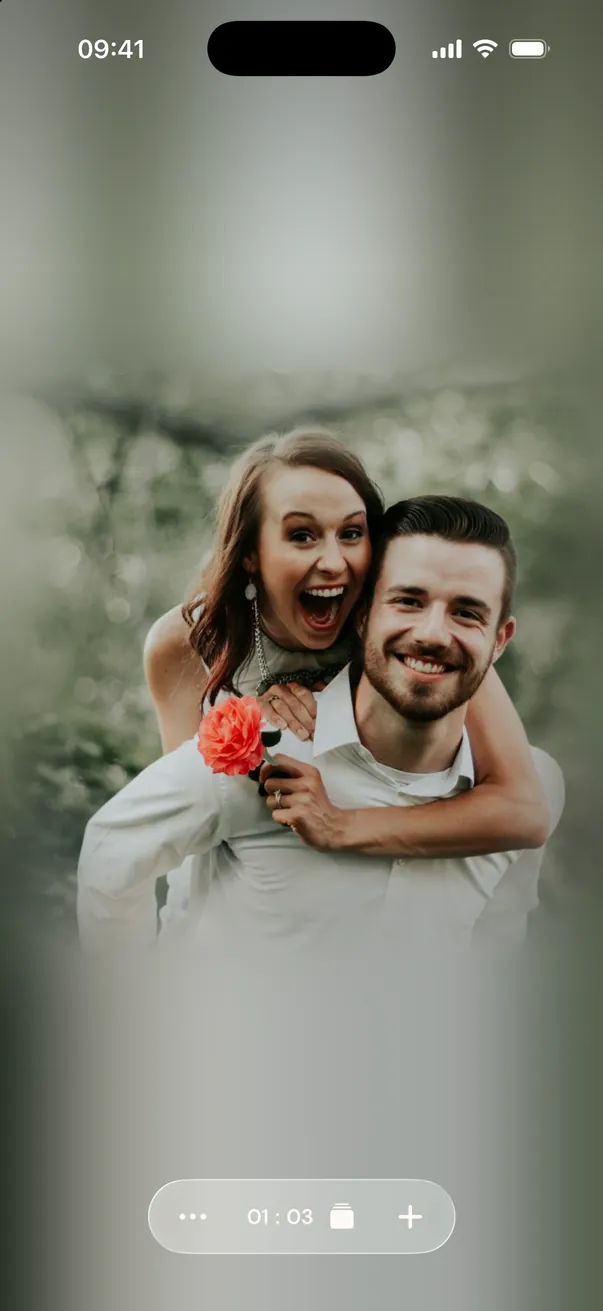
Every date lands in your shared calendar. Add the photos afterwards and watch the year fill up with the two of you — not lost somewhere in a camera roll.
In the app
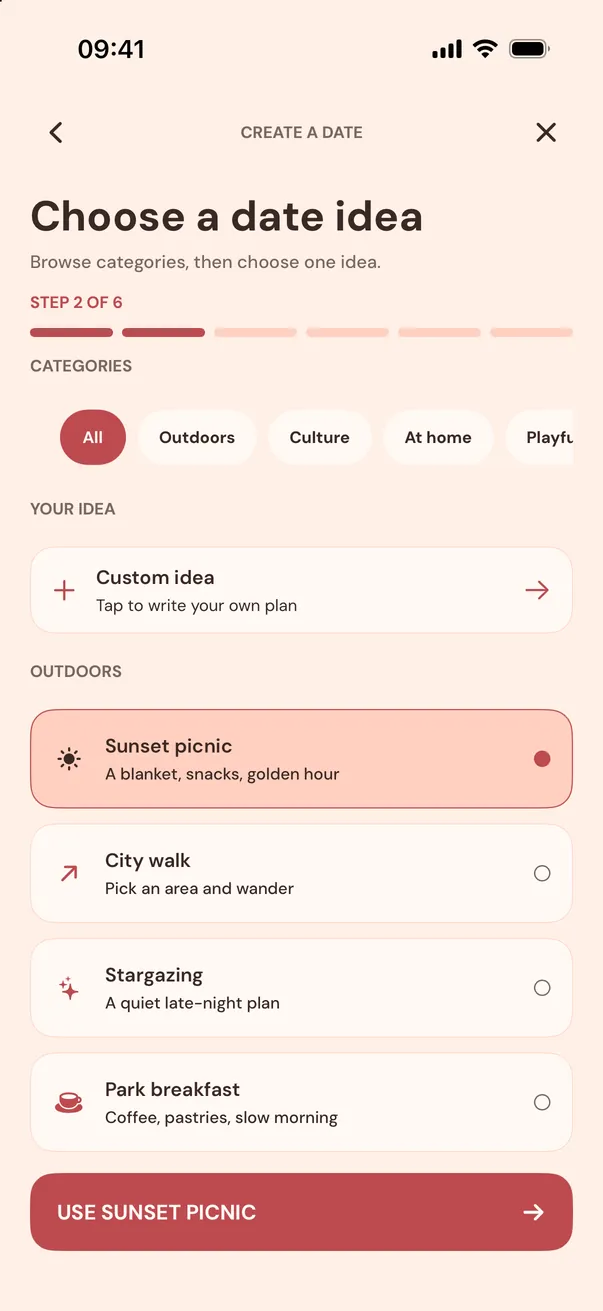
Browse date ideas or write your own.
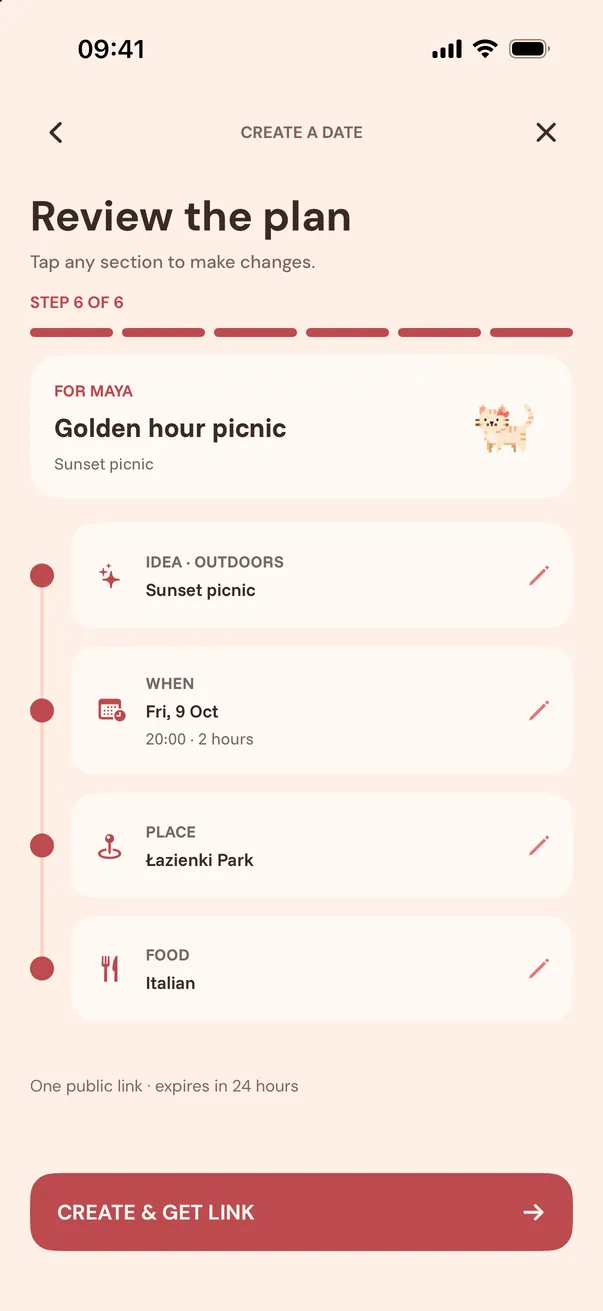
Place, time, food. Leave a choice open for them.
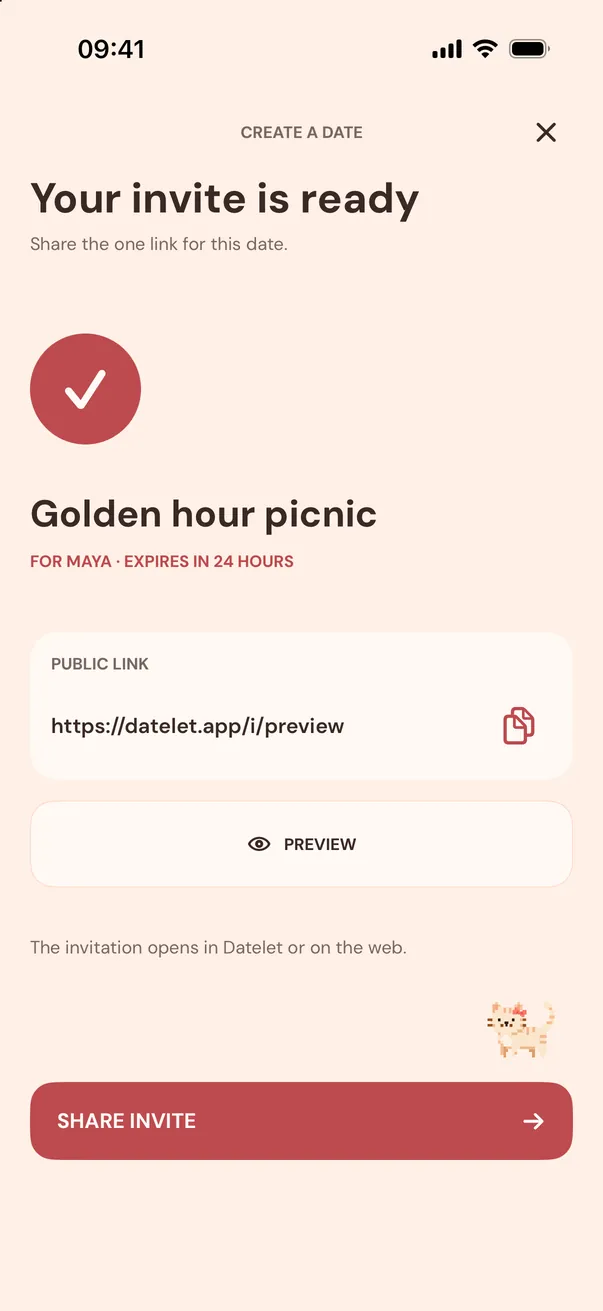
Share it anywhere — iMessage, WhatsApp, a note.
Your heroes
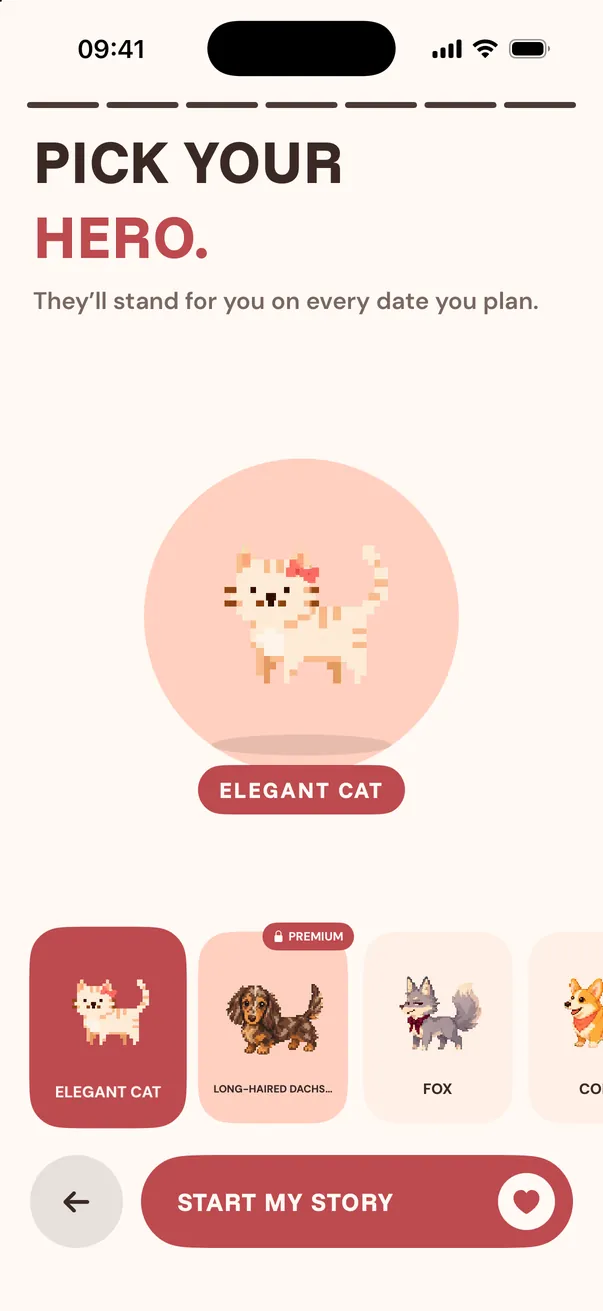
Cats, capybaras and one very fancy raccoon. Your hero stands for you on every date you plan — and shows up on the invitation they open.
date planning, made personal
Datelet keeps the shared plan close after the answer, so the good part does not disappear into a message thread.
Connect with your partner and keep the dates you are planning together in Home.
Planned dates and completed history stay in one place, ready to look back on.
When an accepted date has a complete schedule, add it to your device calendar.
Good to know
No. They open the private invitation link on mobile web and respond without installing Datelet or creating an account.
They can accept, decline, or suggest one new date and time. You see their answer in Datelet right away.
Anyone who has the link can view and respond, so share it with the person you are inviting. An unanswered date invitation expires after 24 hours.
A free pair can create up to four date invitations per calendar month. Premium Pair gives the current pair unlimited invitations and Premium heroes.
No. Premium Pair is shared: when either of you subscribes, both of you get unlimited invitations and Premium heroes.
The Datelet app is currently for iPhone. The person you invite can still respond from any mobile browser.
Your next date is one link away. Free on iPhone.